Get started with an interactive tutorial
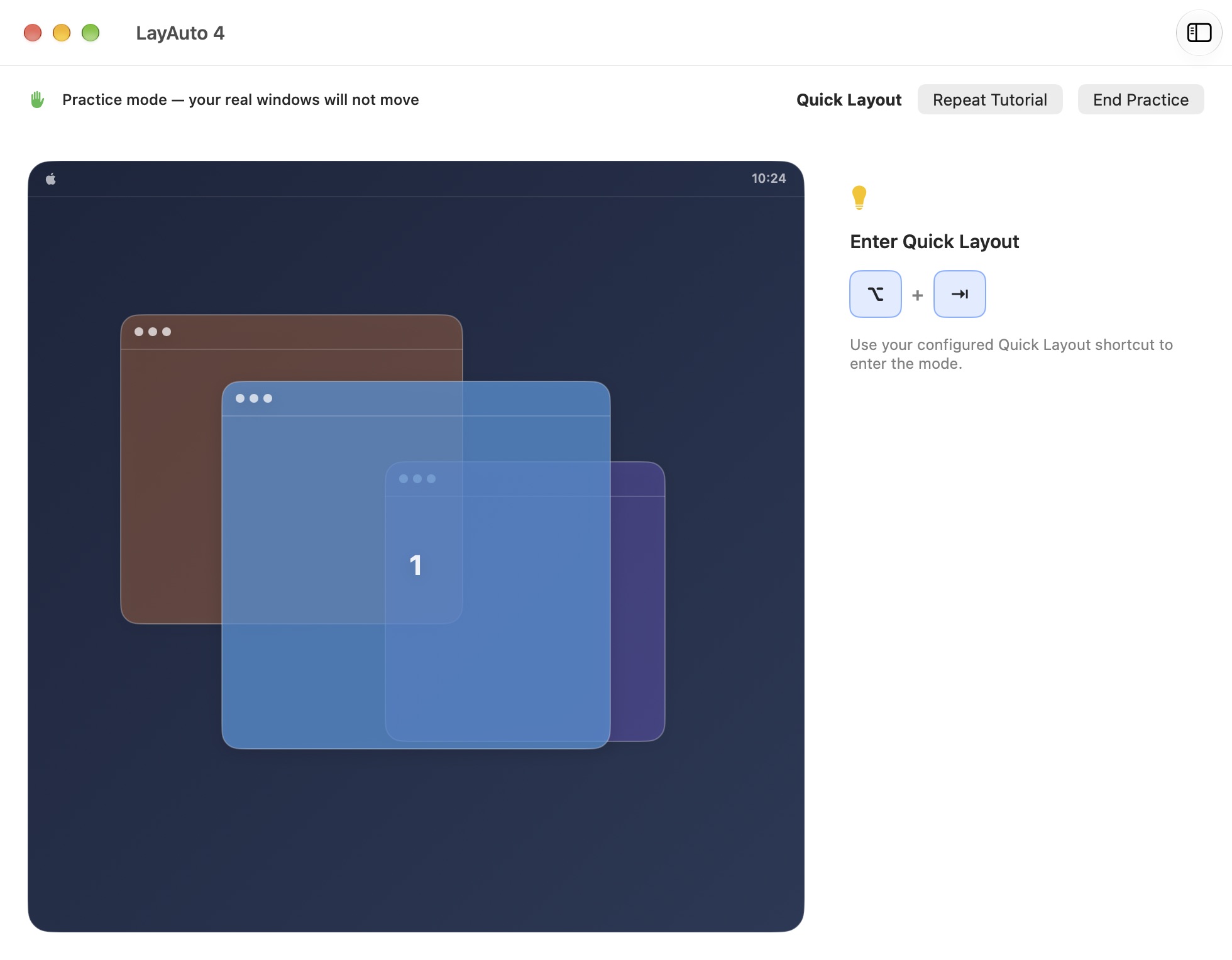
After you install and open LayAuto 4 for the first time, an interactive tutorial guides you through the essentials, one step at a time.
Learn by doing
Follow the on-screen prompts to practice Quick Layout, Working Groups, Deep Window, Any Window, and Menu Bar Helper on a virtual desktop, without moving your real windows.
Practice again whenever you like
Open Interactive Tutorials in LayAuto 4 Settings and choose the feature you want to revisit.